
Google Photos
Google Photos is Google's photo storage service and gallery app. This page covers Android version 7.94.0.984908898.
220.7 MB
9.5.0 · Bytedance Pte. Ltd · Page updated
Hypic is an AI photo editor for Android from ByteDance with retouching, background tools, filters and AI-generated art styles.
Average 0.0 · ratings: 0
Thank you! Your rating is saved; you can change it. Could not save the rating. Please try again later. Too many ratings from your network today. Please try again tomorrow. The average appears after 5 ratings.


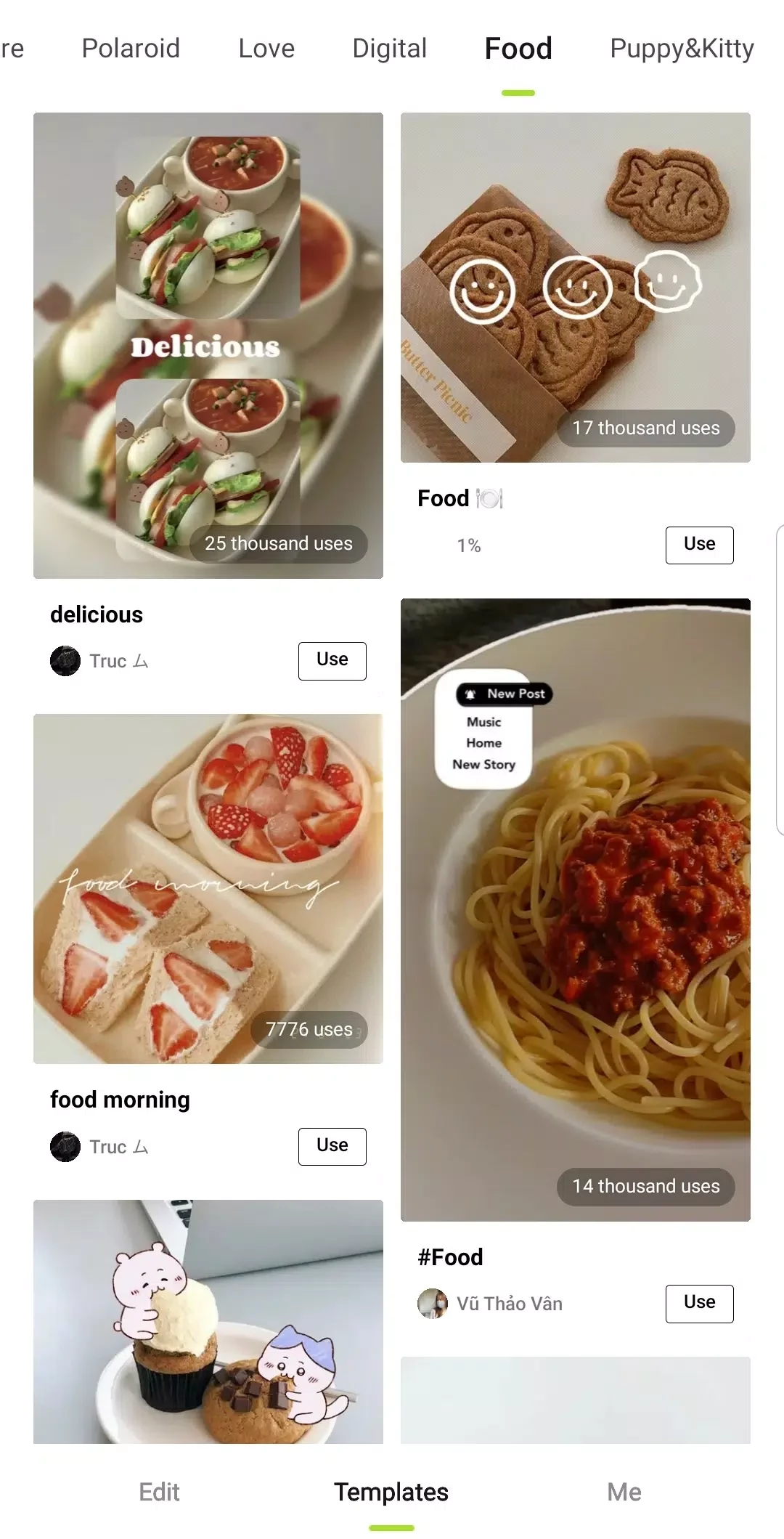
Hypic – Photo Editor AI Art 9.5.0 is an Android photo editor from Bytedance Pte. Ltd that combines classic editing tools with AI features: retouching portraits, removing or replacing backgrounds, applying filters and turning photos into different art styles. The app is free to use, with optional paid features, and you can download Hypic for Android from Google Play.
Hypic is aimed at people who edit photos for social media and want polished results quickly. Content creators use it to prepare thumbnails and posts, small online shops touch up product pictures, and everyday users improve selfies and group shots before sharing. The AI tools do much of the work: detecting faces for retouching, separating the subject from the background, sharpening blurry areas or restyling a picture in a painted or illustrated look. Presets and templates help beginners get a consistent look across a feed. Photographers who want precise, manual control over colour and exposure may prefer a dedicated raw editor, and anyone uncomfortable with cloud processing should note that some AI features send images to online servers. Heavy retouching can also make faces look unnatural; lighter settings usually give better results. The AI models behind such apps change quickly; for an overview of current AI models, see the AI section of this site.
| Item | Details |
|---|---|
| Version | 9.5.0 |
| Developer | Bytedance Pte. Ltd |
| Platform | Android |
| Licence | free, with optional paid features |
| Size | about 230.47 MB according to catalogue data |
AI tools work best on well-lit, reasonably sharp photos. Apply one change at a time and compare with the original using the before and after view. If skin looks plastic or backgrounds show odd edges, reduce the strength or undo that step. A light touch is usually more convincing than applying every effect at full power.
Some AI tools process images online. Avoid uploading sensitive photos such as documents or private pictures, and review the app's data safety information in Google Play.
Other photo editors in our listings include Adobe Photo Lightroom, Canva, PixelLab and Background Eraser. Remini focuses on enhancing old or blurry photos.
Google Photos is Google's photo storage service and gallery app. This page covers Android version 7.94.0.984908898.

Aarya Editz is a photo editing app for Android from KCS Devlopers; it has not been updated for a long time and has no official download source in our data.

Background Eraser by handyCloset is a free Android app for removing the background from photos and saving the cut-out as a transparent image.

Ultra Camera HD: 4K Camera is a third-party Android camera app from Haibara CodeX offering an alternative interface for taking photos and videos.

Adobe Photo Lightroom is Adobe's photo editing app for Android, with presets, detailed adjustments, a pro camera mode and optional cloud sync.

PixelLab is a free Android app from App Holdings for adding styled text, stickers, shapes and effects to pictures.

Remini is an AI photo enhancer for Android that sharpens blurry pictures, restores old photos and improves faces in portraits.

Canva for Android is the mobile app of Canva's online graphic design platform for making posts, flyers, presentations and short videos.